mParivahan App Complete Guide: Download, Digital DL/RC, Virtual Traffic Police Features
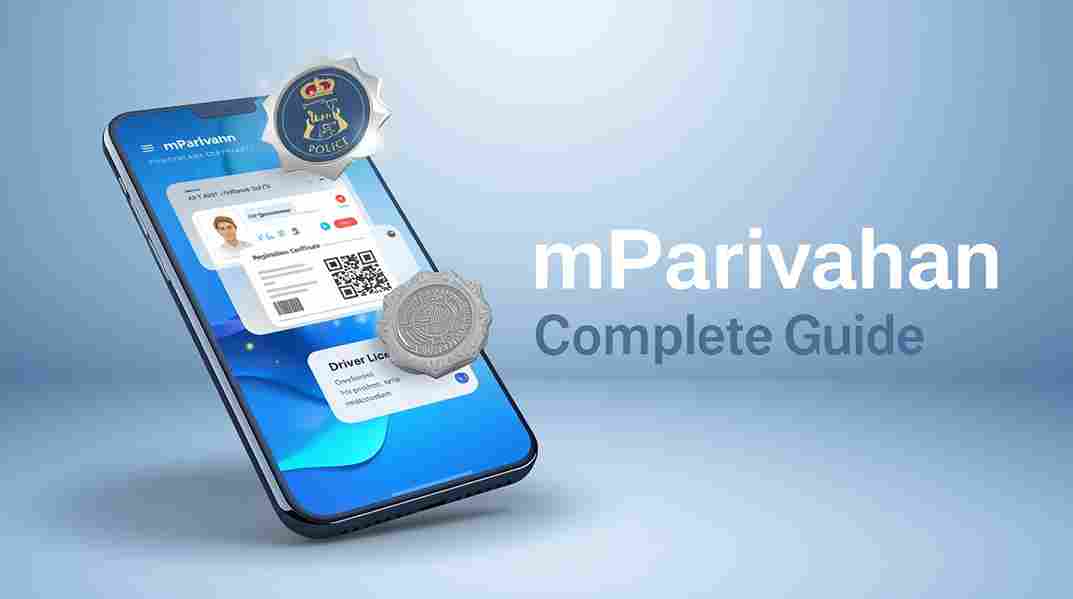
Welcome to your all-in-one independent guide for the mParivahan app in 2025! Launched by the Ministry of Road Transport and Highways (MoRTH), mParivahan is India’s official mobile companion to Parivahan Sewa, serving over 100 million users with seamless access to digital Driving Licence (DL), Registration Certificate (RC), e-Challan payments, and innovative Virtual Traffic Police tools. As of November 11, 2025, version 3.0+ introduces AI-powered violation reporting, real-time RTO locator, and enhanced DigiLocker sync – making physical documents optional nationwide under the IT Act.
Whether you’re in Delhi dodging traffic cams, Mumbai renewing DL digitally, or Kerala checking fancy number bids – this guide covers download, setup, core features, hidden gems, and troubleshooting. No agents needed!
Disclaimer: Parivahansewas.org is an independent informational platform – not affiliated with government. Always download from official stores and use parivahan.gov.in for transactions.
- Link to main portal: Parivahan Sewa Guide
- Link to vehicle info: RTO Vehicle Information
Why mParivahan is Essential in 2025
mParivahan turns your phone into a digital RTO wallet – legally valid DL/RC means no fines for forgetting papers (₹1,000+ saved!). 2025 updates: Offline mode expanded, biometric login, and Virtual Traffic Police for instant reporting.
Key Benefits:
- Paperless: Digital docs accepted by police/courts.
- Real-time: Challan alerts, RC status.
- Safety: SOS emergency, accident reporting.
- Convenience: 24/7 access, multilingual (12+ languages).
Step 1: Download & Install mParivahan App (2025 Latest Version)
Free on official stores – avoid third-party APKs!
| Platform | Link | Size | Version (Nov 2025) |
|---|---|---|---|
| Android | Google Play Store | ~45 MB | 3.2.1+ |
| iOS | Apple App Store | ~80 MB | 3.2.1+ |
Installation Steps:
- Open store → Search “mParivahan” (developer: CDAC).
- Tap Install → Open.
- Allow permissions: Location (RTO finder), Camera (QR scan), Storage (docs).
- Update automatically enabled.
Pro Tip: Android users – enable “Unknown Sources” only from Play; iOS auto-updates.
Step 2: Registration & Login
- Open app → “Register” (new) or “Login”.
- Enter mobile → OTP verify.
- Set 4-digit mPIN + biometric (Face ID/Fingerprint).
- Link Aadhaar (optional but faster for services).
Forgot mPIN? Reset via OTP.
Core Features: Digital DL & RC Storage
Create Virtual DL/RC:
- Dashboard → “DL” or “RC” tab.
- Enter DL/RC number → Fetch details (Sarathi/Vahan sync).
- Verify OTP → Digital copy saved.
- Share via QR/code – police scan instantly!
Legally valid: IT Act 2000 + Motor Vehicles Act.
DigiLocker Sync:
- Auto-pull issued docs.
- Offline access even without internet.
Virtual Traffic Police Features (2025 Highlight)
Revolutionary tool for citizen reporting – no more ignoring violations!
- Dashboard → “Virtual Traffic Police”.
- Report issues: Wrong parking, no helmet, signal jump.
- Upload photo/video + location.
- Auto-generate complaint → Nearest police station.
- Track status + rewards in select cities.
Other Police Tools:
- SOS Emergency: One-tap alert with location.
- Accident Reporting: Instant FIR lodging.
- Stolen Vehicle: Mark & alert network.
All Other Features 2025
| Feature | Description | How to Use |
|---|---|---|
| e-Challan Check/Pay | View pending, pay with discount | Challan tab → Enter vehicle no |
| RC Status | Ownership, tax, insurance | Search vehicle |
| RTO Locator | Nearest office + services | Map view |
| Fancy Number | Check auction status | Integration with fancy portal |
| Pollution Check | PUC centres nearby | Location-based |
| Fuel Price | Daily rates by city | Home dashboard |
| Insurance Renewal | Partner links | Quick buy |
| Road Signs Quiz | Learn & test | Fun learning tab |
Troubleshooting Common Issues
- App not fetching DL/RC? Update mobile in Sarathi/Vahan first.
- Crash on launch? Clear cache (Settings → Apps → mParivahan).
- No OTP? DND off; retry.
- Helpdesk: helpdesk-mparivahan@gov.in | In-app feedback.
FAQs: mParivahan App 2025
Q: Digital DL valid without internet? A: Yes – saved offline; QR works.
Q: Multiple vehicles/DL? A: Add unlimited – switch easily.
Q: Virtual Traffic Police anonymous? A: Optional – rewards need details.
Q: iOS vs Android differences? A: Minimal – iOS smoother biometric.
Download now – go fully digital! More guides on our main page.